New · Let AI handle responses, replies and contacts

Create forms.
Get responses.
Reply in seconds.

  1. 1. CreateDescribe your form and generate it with AI.
  2. 2. CollectGet responses in a shared inbox.
  3. 3. ReplyLet AI draft your replies in seconds.
Lead FlowStep 1 of 6

What are you looking for?

This helps us provide the right information.

Pricing
Book a demo
Partnership
Just exploring
< BackNext →
Newsletter

Join 5,000+ builders

Get practical insights on building and growing SaaS businesses.

you@company.com
Join now
✓No spam
✓Unsubscribe anytime
✓Join 5,000+ readers
Newsletter reader 1Newsletter reader 2Newsletter reader 3

“The best newsletter for indie builders.”Alex, Founder

Waitlist

Get early access

Be the first to know when we launch.

Your email

you@company.com

What are you most interested in?

Select an option
Join the waitlist
Waitlist member 1Waitlist member 2Waitlist member 3

1,200+ people already joined

SurveyStep 2 of 4

How was your overall experience?

Your feedback helps us improve.

4 out of 5 · Good

Would you recommend us to a friend?

yes
no
< BackNext →
Contact

How can we help?

Send us a message and we'll get back to you within 24 hours.

Subject

General question

Your message

Write your message...
Send message
Lead FlowStep 1 of 6

What are you looking for?

This helps us provide the right information.

Pricing
Book a demo
Partnership
Just exploring
< BackNext →
Newsletter

Join 5,000+ builders

Get practical insights on building and growing SaaS businesses.

you@company.com
Join now
✓No spam
✓Unsubscribe anytime
✓Join 5,000+ readers
Newsletter reader 1Newsletter reader 2Newsletter reader 3

“The best newsletter for indie builders.”Alex, Founder

Waitlist

Get early access

Be the first to know when we launch.

Your email

you@company.com

What are you most interested in?

Select an option
Join the waitlist
Waitlist member 1Waitlist member 2Waitlist member 3

1,200+ people already joined

SurveyStep 2 of 4

How was your overall experience?

Your feedback helps us improve.

4 out of 5 · Good

Would you recommend us to a friend?

yes
no
< BackNext →
Contact

How can we help?

Send us a message and we'll get back to you within 24 hours.

Subject

General question

Your message

Write your message...
Send message

Don’t just collect responses.
Act on them.

Connect your own inbox

  • Connect Gmail or Outlook in one click
  • Use Resend or SendGrid when you need more sending volume

That means every message can come from your own address, whether you are replying to one person or sending to thousands.
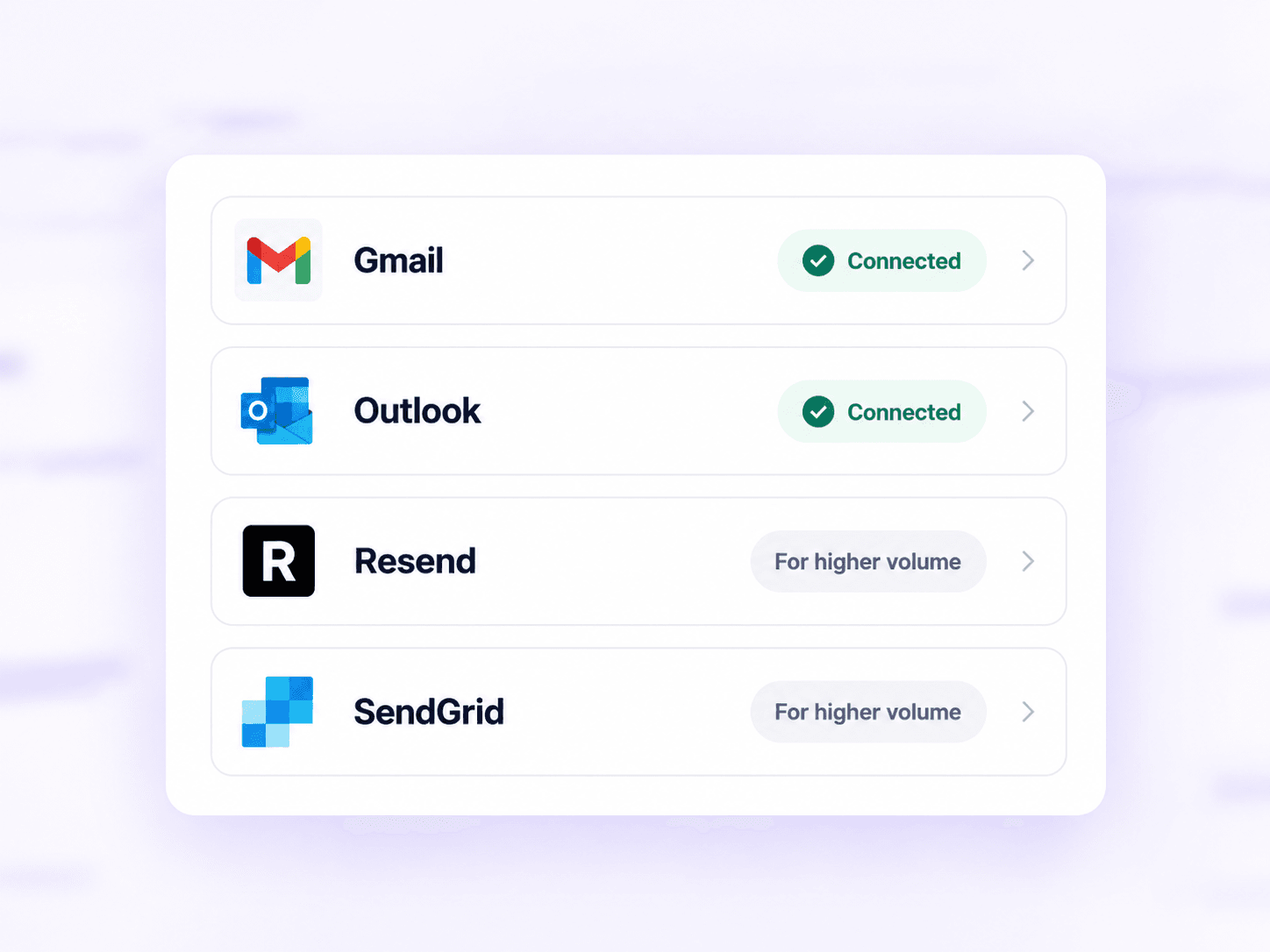

Gmail, Outlook, Resend and SendGrid connected to Flexform

Reply to submissions

  • Read every response in one inbox
  • Reply from your own email without switching tools

That means you can answer while the person is still interested.

Know your contacts

  • Keep every form response on one profile
  • Add tags and private notes as you learn more

That means every conversation starts with the full history, not from zero.

Run a survey

  • Build your survey in Flexform and see results as answers come in
  • Turn ratings and choices into clear charts

That means you can understand what people are telling you without cleaning up a spreadsheet first.

Run a waitlist

  • Manage your signups in one place
  • Invite people in waves instead of all at once

That means you can actually talk to your first users before inviting the next batch.

Run a newsletter

  • Manage your subscribers in one place
  • Send updates without exporting your list

That means a new signup can become a real relationship, not just another email address.

Manage your leads

  • Move leads through a simple pipeline
  • Keep notes and next steps with each person

That means no promising response gets lost in a spreadsheet or a shared inbox.

And it all stays connected

All in one simple workspace.

The form in one tab. The answers in another. The follow-up somewhere else. Sound familiar? Bring the whole story together, from the first response to your next reply.

Today: five tools

  • SpreadsheetLeads live here
  • Email toolNewsletter live here
  • InboxMessages live here
  • Launch toolWaitlists live here
  • Form toolSurveys live here

FlexformOne Flexform workspace

LeadsNewsletterMessagesWaitlistsSurveys

Every response, every person, every reply, side by side.

Built for what happens next

A form is onlythe beginning.

Most form tools stop at the submission. Flexform keeps the conversation moving.

Inbox

View form submissions inside the product.

Contact conversations

Keep a two-way history of every exchange with each contact.

ToolFormsInboxConversationsAI replies
FramerYesNoNoNo
WebflowYesYesNoNo
SquarespaceYesNoNoNo
Google FormsYesNoNoNo
Microsoft FormsYesNoNoNo
TallyYesYesNoNo
TypeformYesYesNoNo
JotformYesYesNoYes
FilloutYesYesNoNo
PaperformYesYesNoNo
FlexformYesYesYesYes

Your next chapter starts here

Need a form?
Build it in Flexform.

Start from a template or create your own. Every response lands in the same place, ready for whatever comes next.

Build a form

Frequently asked questions

The short version,
before you start.

Building a form, replying, and what it costs, without hunting through a help center.

The fastest answer is still trying the real thing.

Start free
Can I reply to someone from Flexform?
Yes. Reply from your own Gmail or Outlook, with their answers right next to it. When they answer back, it lands in the same conversation.
Can I try it for free?
Yes. Start free, no credit card. Build your first form and see your first response arrive.
How does email work?

Sarah runs a small studio. Her email is sarah@gmail.com.

  1. 1. She connects her Gmail to Flexform (one click, “Continue with Google”).🔒 Flexform can’t read her inbox. Google only gives us permission to send the emails she writes, nothing else.
  2. 2. Tom fills her contact form: “Hi, I need a logo. What are your prices?” Sarah gets a notification.
  3. 3. Sarah replies from Flexform. Tom receives a normal email from Sarah:From: Sarah <sarah@gmail.com>
    Hi Tom, thanks for reaching out! My logo package starts at $500…
  4. 4. Tom hits Reply. His answer comes straight into Flexform, under Sarah’s message, and she gets notified.

That’s it. Flexform sends through Sarah’s Gmail, and can’t see anything else in it.

Use a work address? Works the same with Google Workspace (sarah@sarahstudio.com) and Outlook or Microsoft 365, with “Continue with Microsoft”.

How many emails can I send?
  • Free: 100 emails a month.
  • Pro: no limit from Flexform. Gmail and Outlook still cap how much you send per day (a few hundred). That’s plenty for replying to people, not for big newsletters.

Emailing a big list? Example: Sarah wants to email her 5,000 subscribers every week. Gmail can’t send that much, so she connects Resend or SendGrid instead: a few more setup steps, built for large volumes. We’ll set it up with you if you’d like.

Need a hand? Email us at support@flexform.app. We reply fast, and we’re happy to help you get set up.

What can I build with Flexform?
Lead forms, contact forms, waitlists, newsletter signups and surveys, from a template or from scratch, in a visual editor.
Do I need technical skills?
No. Build in the visual editor and preview everything before you share it.
Can the form match my brand?
Yes. Customize the color, type, radius and logo, then preview the result before you publish it.
Show more questions (2)
Will my form work on mobile?
Yes. Forms adapt to small screens, and you can preview them on mobile before sharing your link.
What happens to my data?
Your responses and contacts stay in your Flexform workspace, and you can export them whenever you need.